Cascade
WinCal
Comprehensive and intuitive on-wafer RF measurement calibration software
Comprehensive and intuitive on-wafer RF measurement calibration software
Looking for customer support? Ready to learn more about our products and services?
Contact Sales TodayReceive product updates and event notifications
Subscribe to Our Newsletter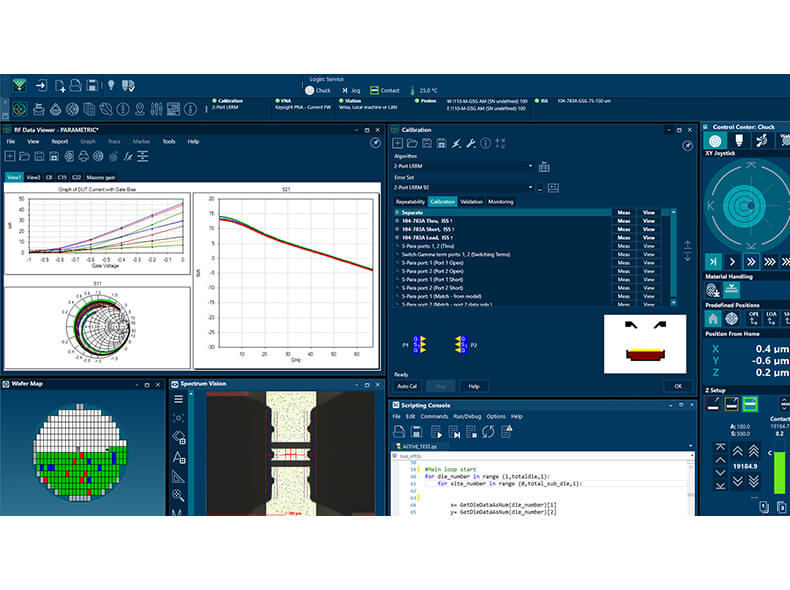
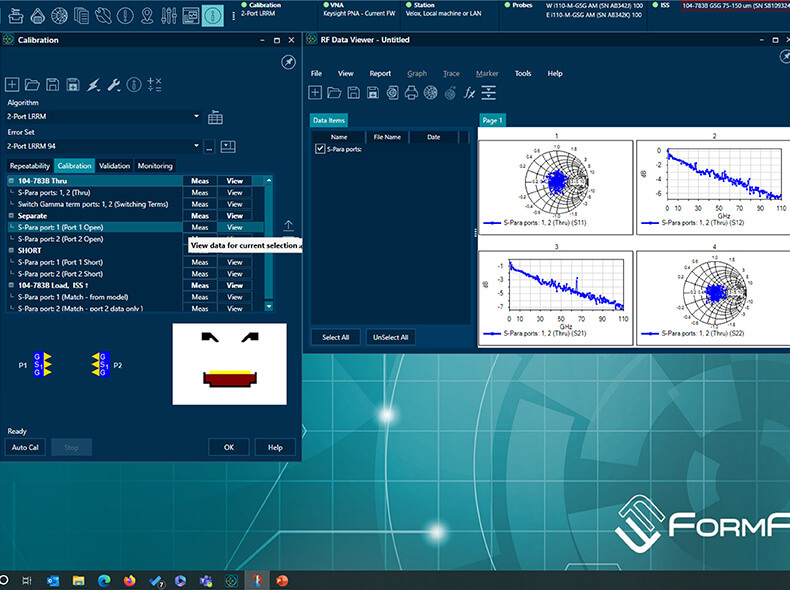
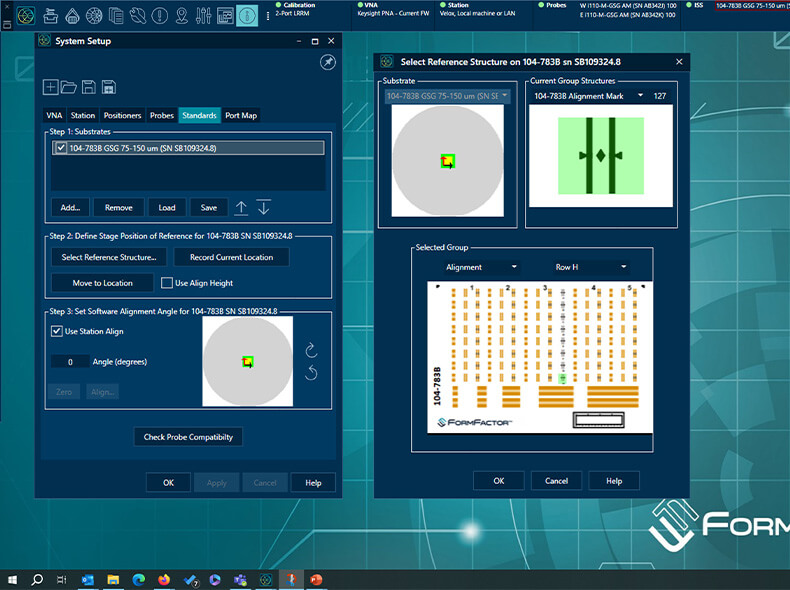
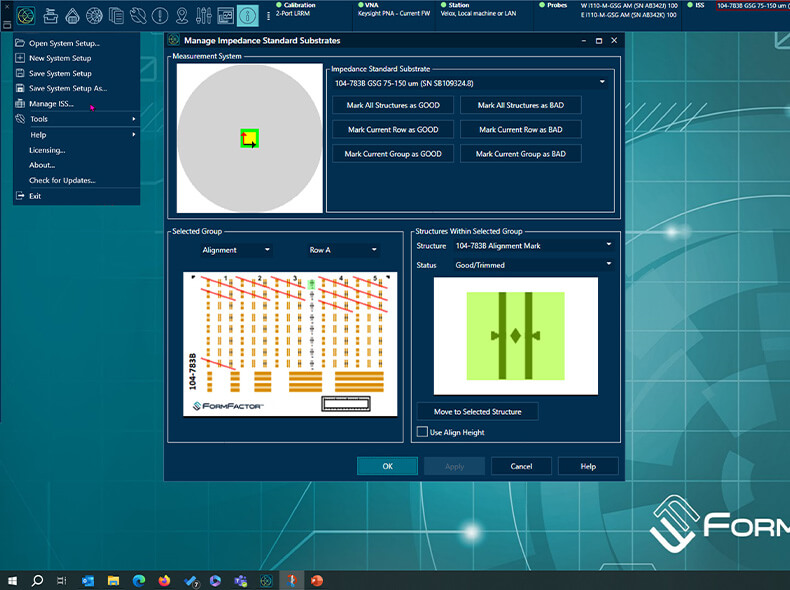
WinCal, FormFactor’s esteemed RF calibration and measurement software, has dominated the market for over three decades—and that’s no coincidence.
WinCal is more than just a calibration tool: it empowers users to measure, validate, and analyze data directly within the software, distinguishing it as the premier RF toolbox available. Regular updates continually refine WinCal’s performance, and FormFactor’s long-term support promise provides users with the assurance to plan for the future confidently.
The latest iteration, WinCal 5, makes our software suite even better by introducing autonomous RF probing—so you can benefit from intelligent assistance in your daily workflows and save valuable time. It enables seamless unattended deployment with precise automatic probe-to-pad alignment across a wide temperature range. It also offers continuous calibration monitoring and recalibration, along with automatic probe cleaning, ensuring peak performance and efficiency in RF probing.
The refined aesthetic, with a new skin and icon concept, is part of WinCal’s modernized user interface. This enhanced UI, coupled with improved workflows, significantly boosts the usability of WinCal 5. Users are guided through the calibration process with ease, thanks to integrated multimedia tutorials and guided wizards.
Why should you choose WinCal?
All tools in one belt
Advanced functionality
Get started
Flexible setups
WinCal 5 Introduction: Simple Setup
WinCal, FormFactor’s RF calibration software, has been the market leader for over 30 years. The latest version, WinCal 5, brings a fresh skin and icon concept, offering a modernized user interface. The new UI and improved workflows enhance the usability of WinCal 5. In this video, FormFactor’s Gavin Fisher provides an overview of how to use WinCal 5.
Installing Probes with Keysight’s N5295AX03 120 GHz Frequency Extenders
Learn how to install your probes with Keysight’s frequency extenders.
Removing Probes with Keysight’s N5295AX03 120 GHz Frequency Extenders
Learn how to remove your probes with Keysight’s frequency extenders.

Loading a Cleaning Substrate, ISS and Contact Substrate on a
earn how to load a SUMMIT200 probe station with a cleaning substrate, ISS and contact substrate. For more information about FormFactor’s SUMMIT200 probe station, visit here: https://www.formfactor.com/product/probe-systems/200-mm-systems/summit200/
Planarizing RF Probes
Learn how to planarize your RF probes.
Aligning Probes on an ISS
Learn how to align your probes on an impedance standard substrate (ISS). For more information about FormFactor’s ISS offerings, visit here: https://www.formfactor.com/product/probes/calibration-tools-probes/impedance-standard-substrates/

Cleaning Probes with a Cleaning Pad
Learn how to clean your probes with a cleaning pad.
Cleaning Probes with Compressed Air
Learn how to clean your probes with compressed air.

Cleaning Probes with a Brush
Learn how to clean your probes with a FormFactor probe cleaning brush.

Cleaning Probes with Velox™ Auto Clean
Learn how to clean your probes with the Velox™ Auto Clean feature. For more information about FormFactor’s Velox™ probe station control software, visit here: https://www.formfactor.com/product/probe-systems/software/velox/
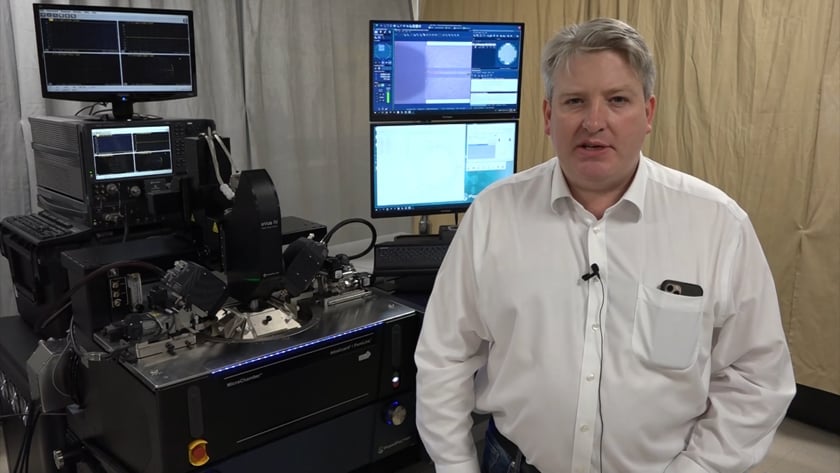
How to Set Up Autonomous RF with Keysight N5291A
In this video, FormFactor’s Gavin Fisher explains how to put together an Autonomous RF Measurement Assistant solution on the SUMMIT200 probe station.
Receive product updates and event notifications
Subscribe to Our Newsletter